01
One workspace for every source
Bring documents, web pages, ebooks, audio, video, and transcripts into a single library so related material stays together instead of spreading across apps.
Import PDFs, papers, ebooks, saved web pages, podcasts, videos, and recordings. Pemo keeps the material in view while you read, translate, ask questions, transcribe media, run reusable skills, and save the result as editable notes.
Bring documents, web pages, ebooks, audio, video, and transcripts into a single library so related material stays together instead of spreading across apps.
Choose the source scope before asking. Pemo answers from the material you selected and keeps the original context available for review.
Work through long or foreign-language material with translation, highlights, annotations, and source review in the same reading surface.
Run saved skills for summaries, study notes, explanations, practice material, lesson drafts, discussion prompts, and other structured outputs.
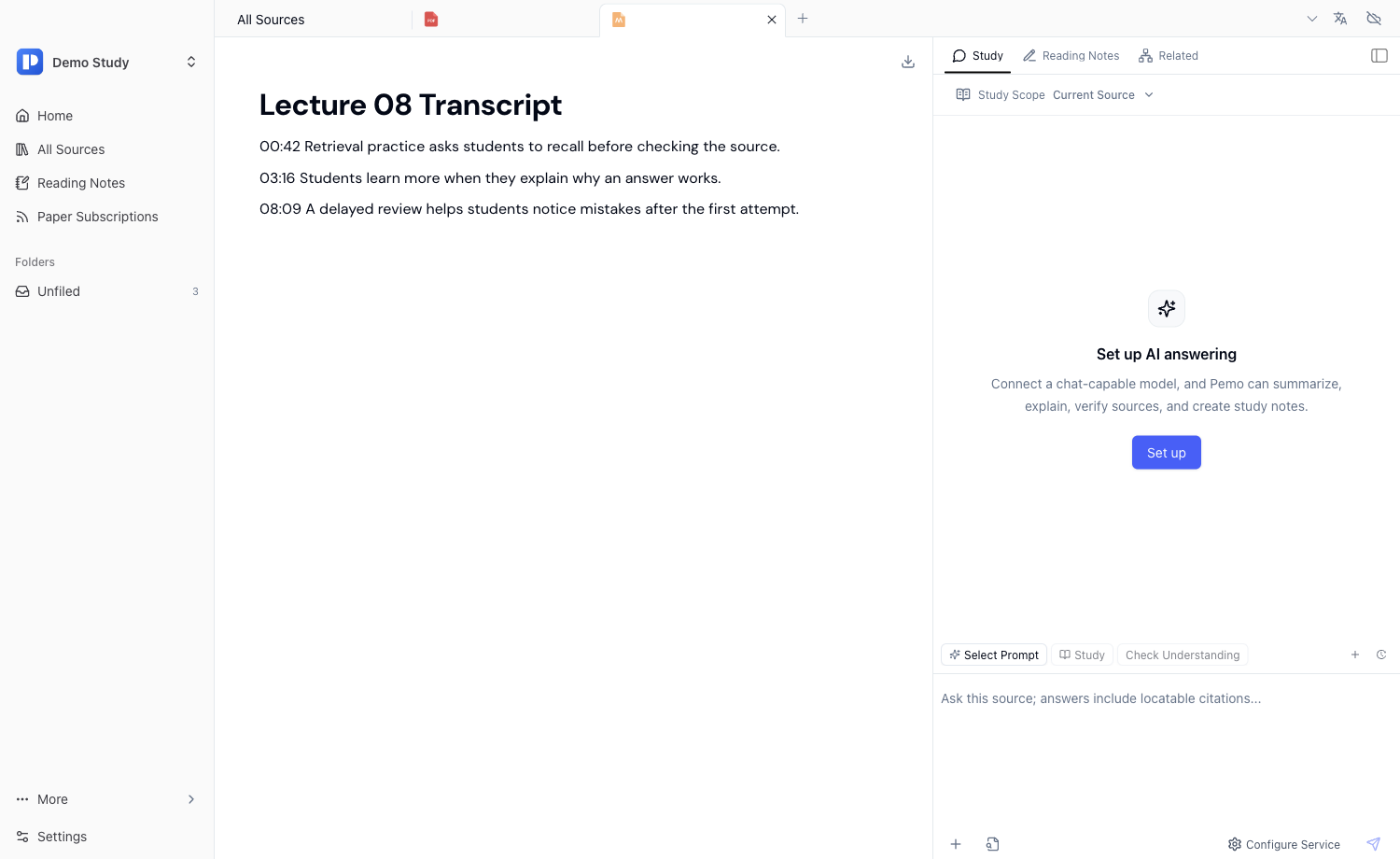
Turn podcasts, lectures, interviews, videos, and recordings into timestamped transcripts that can be searched, translated, summarized, and reused.
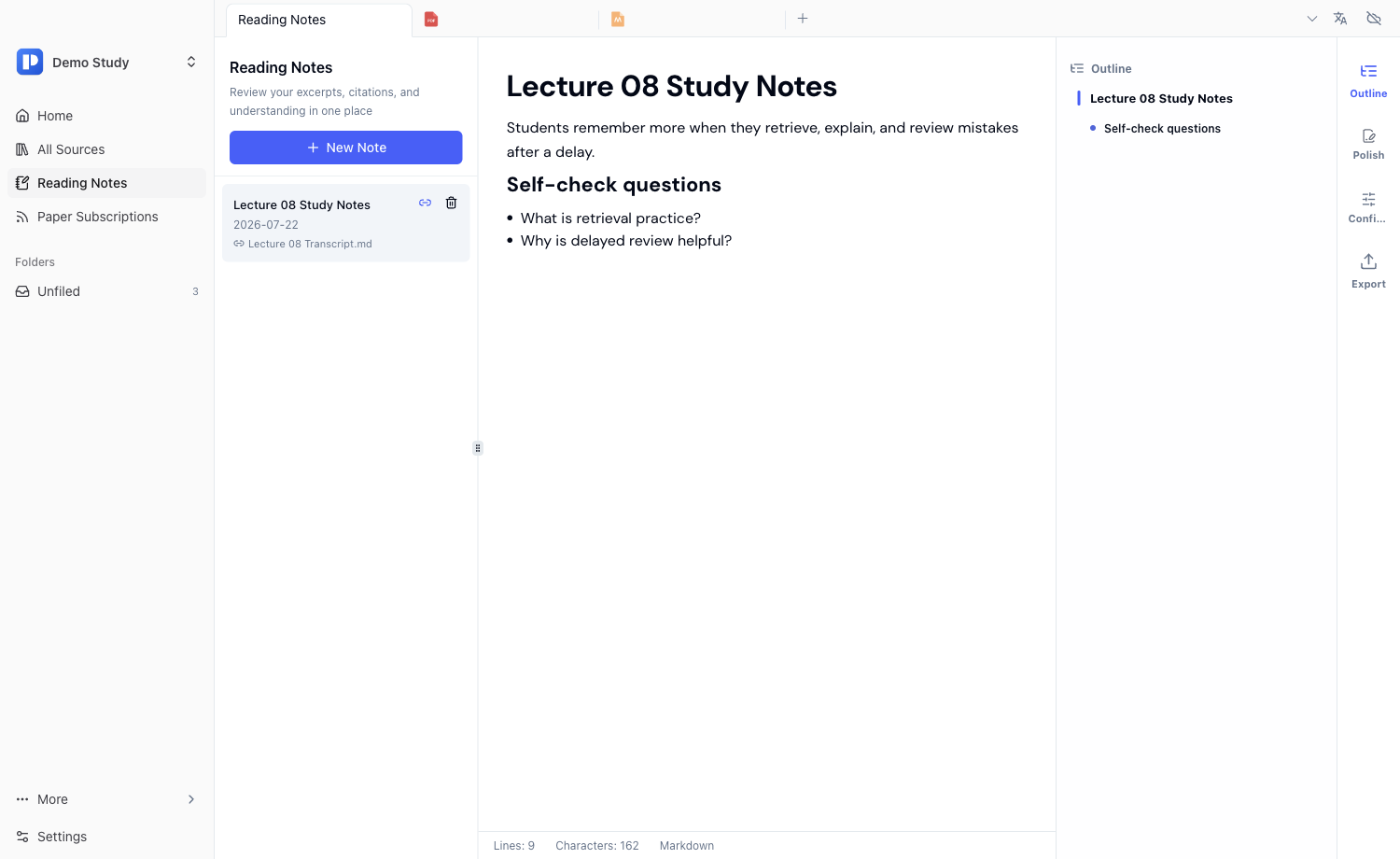
Save useful answers, summaries, questions, and generated material as editable notes, with the source still close enough to verify later.
Study library
Collect papers, PDFs, EPUBs, web pages, slides, recordings, and transcripts in one workspace. The current material becomes the base scope, and related files extend the same study task.
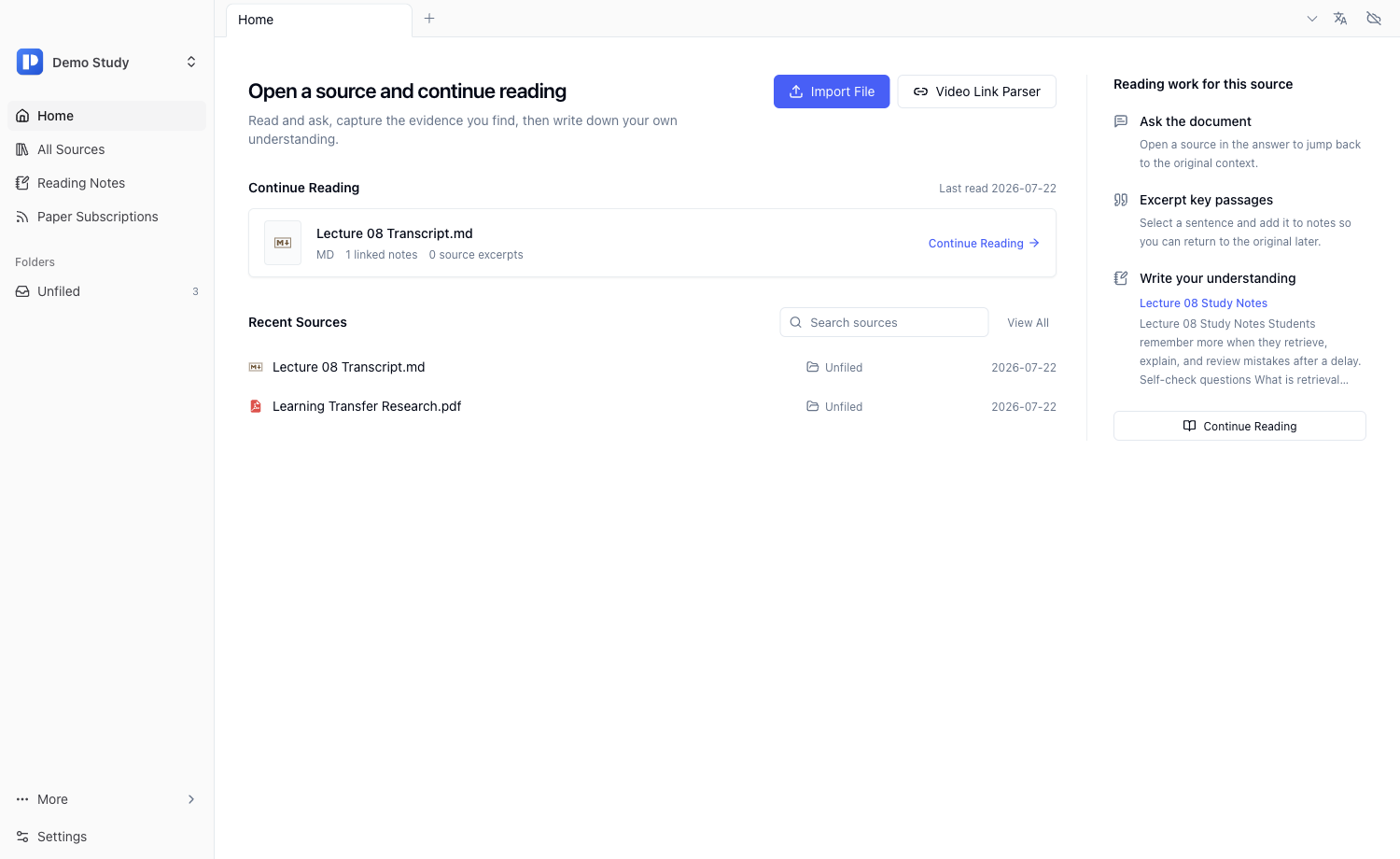
Close reading
Use bilingual reading for difficult papers, books, and reports. Translation helps you move faster, while the original text remains close enough for checking terms, claims, and citations.
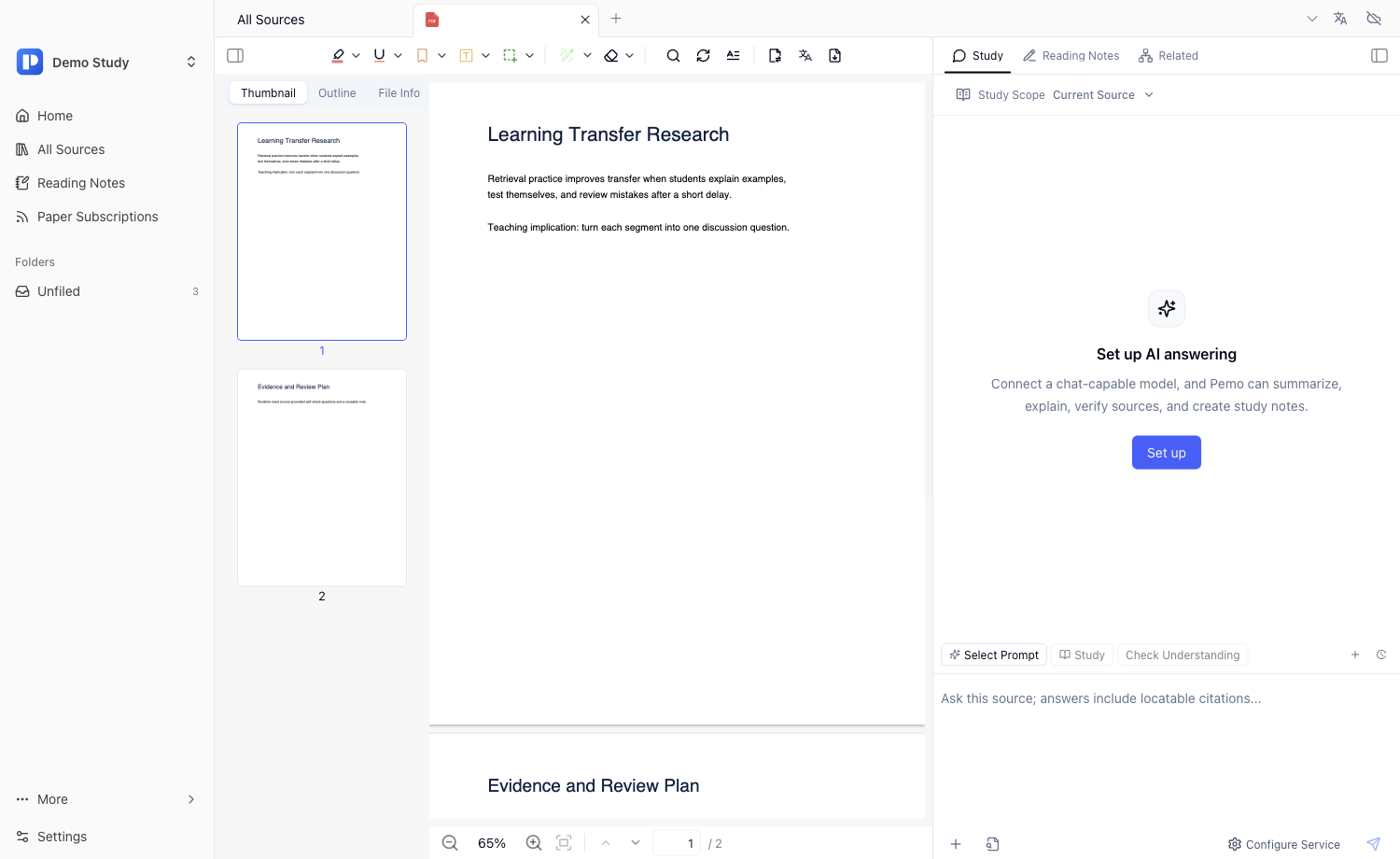
Grounded AI
Pemo's AI work happens next to the document or transcript. Use it to understand structure, clarify difficult parts, extract ideas, and create a first pass that you can verify.
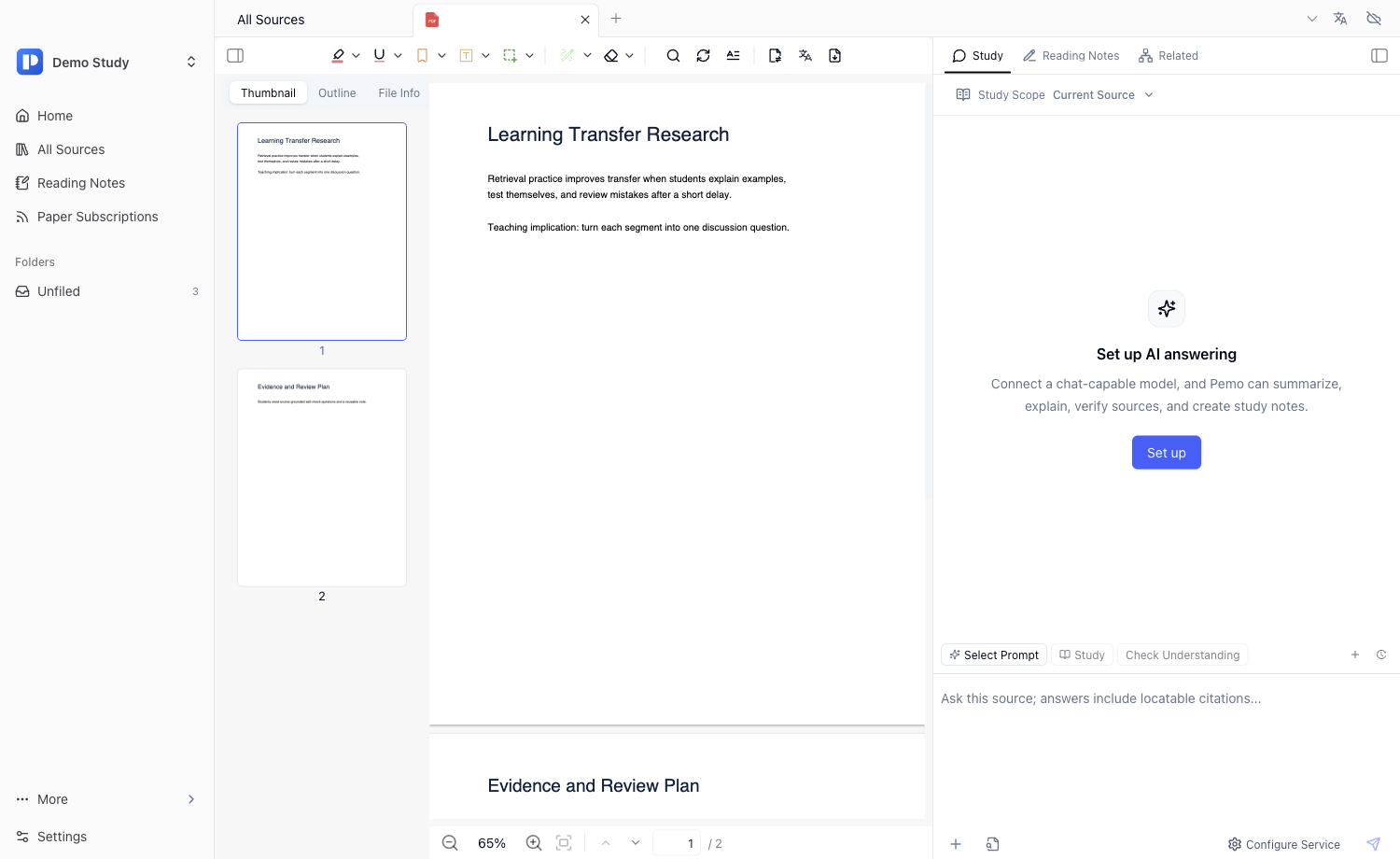
Study skills
Type $ to open visible study skills. Students can create study notes and self-tests; teachers can create lesson plans and seminar guides from the same source material.
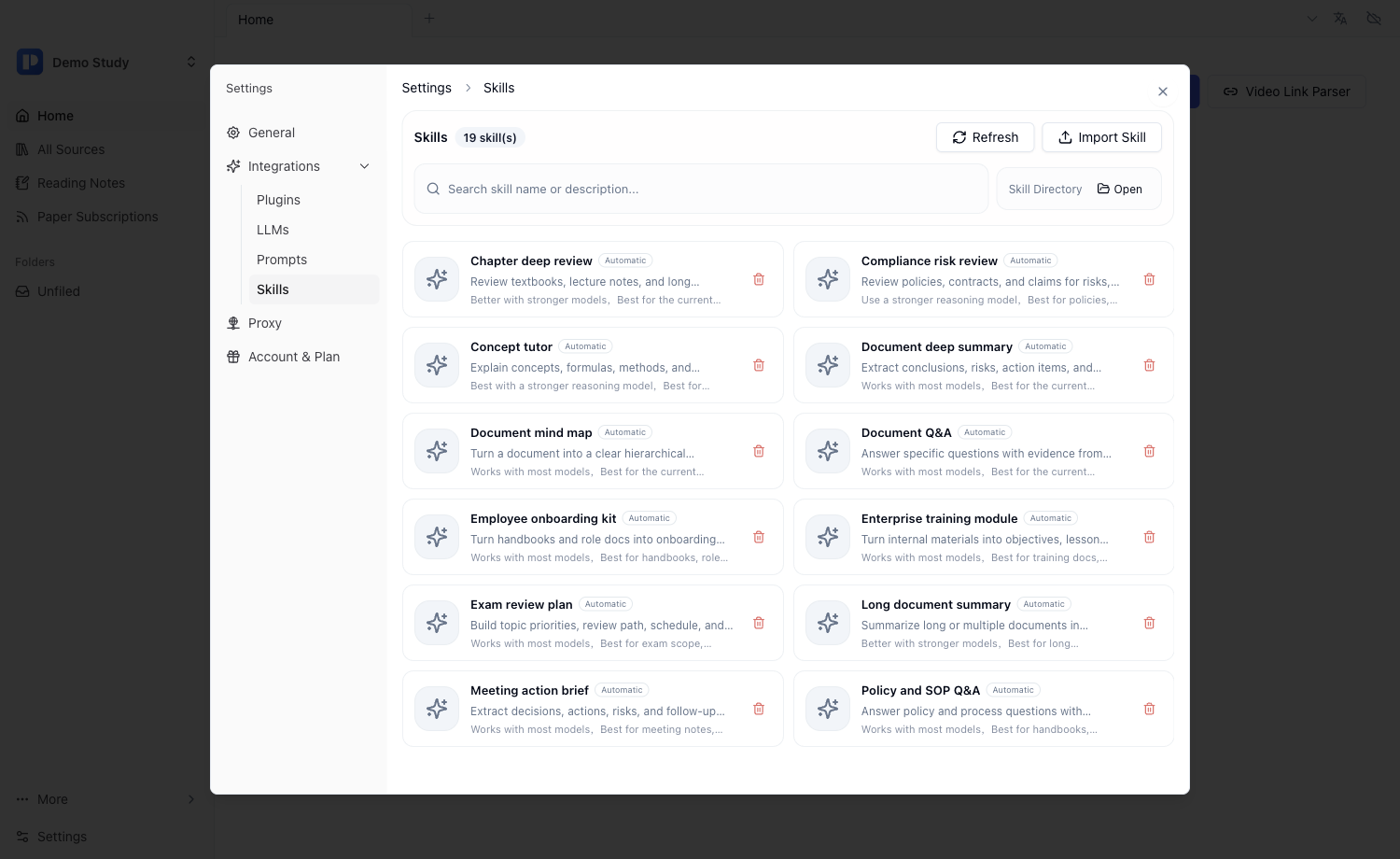
Podcasts and classes
Transcribe podcasts, lectures, interviews, and course videos into timestamped text, then run study skills over the transcript instead of treating audio as a dead file.
Reusable notes
The goal is not a one-off answer. Turn useful explanations, summaries, self-tests, and handouts into notes that remain tied to the source and can be reviewed later.
Workflow
Pemo keeps the workflow simple enough for everyday study while still supporting deeper reading and teaching work.
Add PDFs, EPUBs, papers, web pages, podcasts, videos, recordings, or class materials.
Use the current material as the study scope and add related sources only when needed.
Type $ and choose the study, practice, explanation, lesson, or discussion task you want.
Save notes, questions, plans, summaries, and transcript outputs for later review.