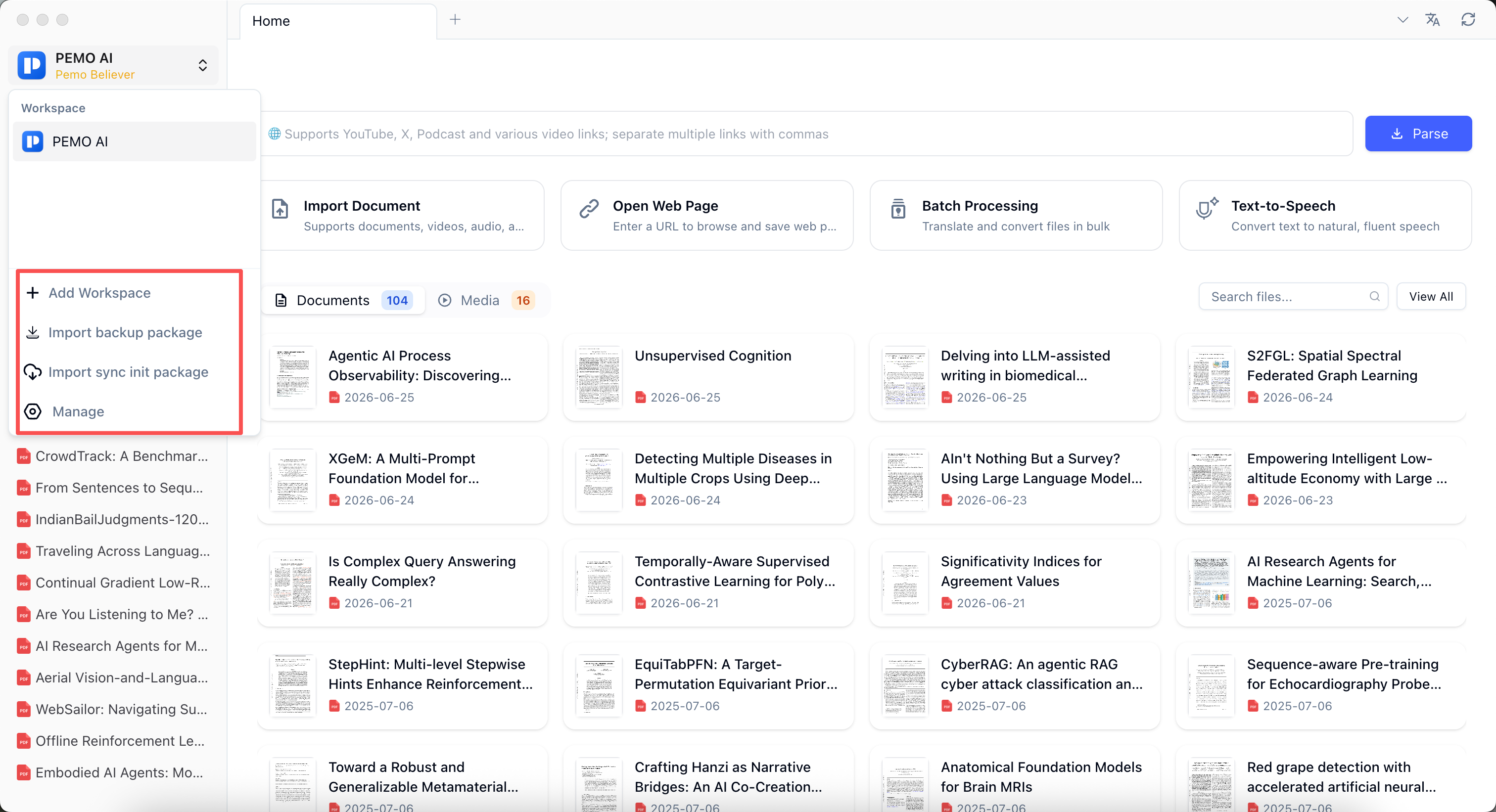
Pemo Guide: PDF translation, document Q&A, notes, and media workflows
A practical guide to Pemo's core capabilities: document library, PDF translation, bilingual reading, AI summaries, document-context Q&A, notes, media transcription, study skills, batch processing, local-first services, and enhanced retrieval.
Start from the default workspace and keep documents, web pages, media, notes, and subscribed papers in one study workflow.
Overview
Collect materials first
The default workspace can directly receive PDFs, web pages, videos, recordings, and notes. Paper subscriptions can keep research materials flowing in; split workspaces later by project or sensitivity.
Connect reading and organization
Translation, bilingual reading, subtitles, summaries, understanding checks, notes, and batch tasks stay in one workflow.
Choose local-first when needed
Sensitive materials can prioritize local models and local transcription, while still checking the selected service data flow.