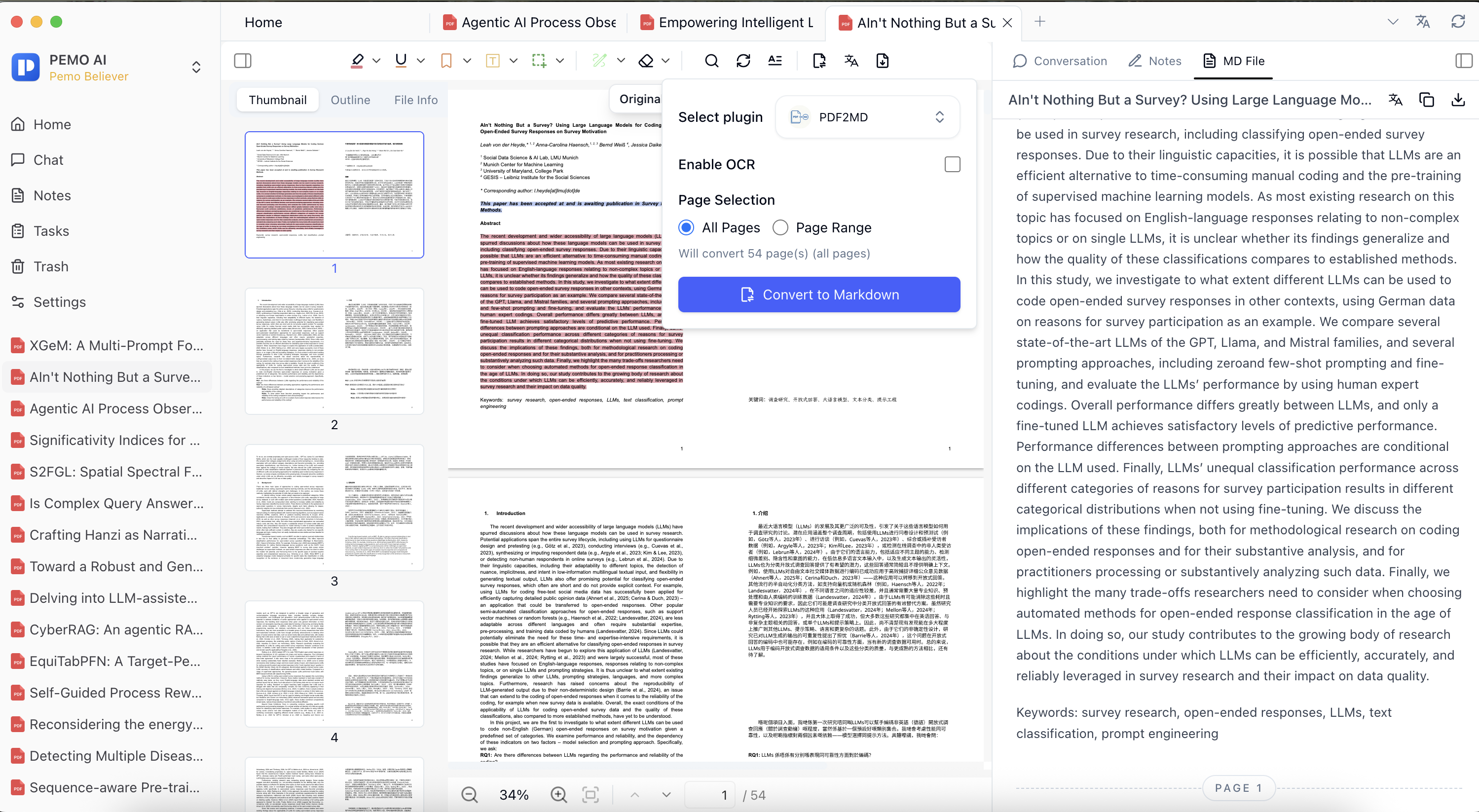
Process paper collections, report packs, scanned files, and course materials with PDF batch translation, PDF batch conversion to Markdown, and media batch transcription.
Batch tasks cover PDF translation, PDF to Markdown, and media transcription, with progress checked in Task Management.
How to use it
Batch tasks are useful for paper collections, industry reports, course materials, scanned PDFs, and meeting media.
Common tasks include PDF batch translation, PDF batch conversion to Markdown, and media batch transcription.
After starting a task, check progress in Task Management, then continue into reading, notes, and Q&A.