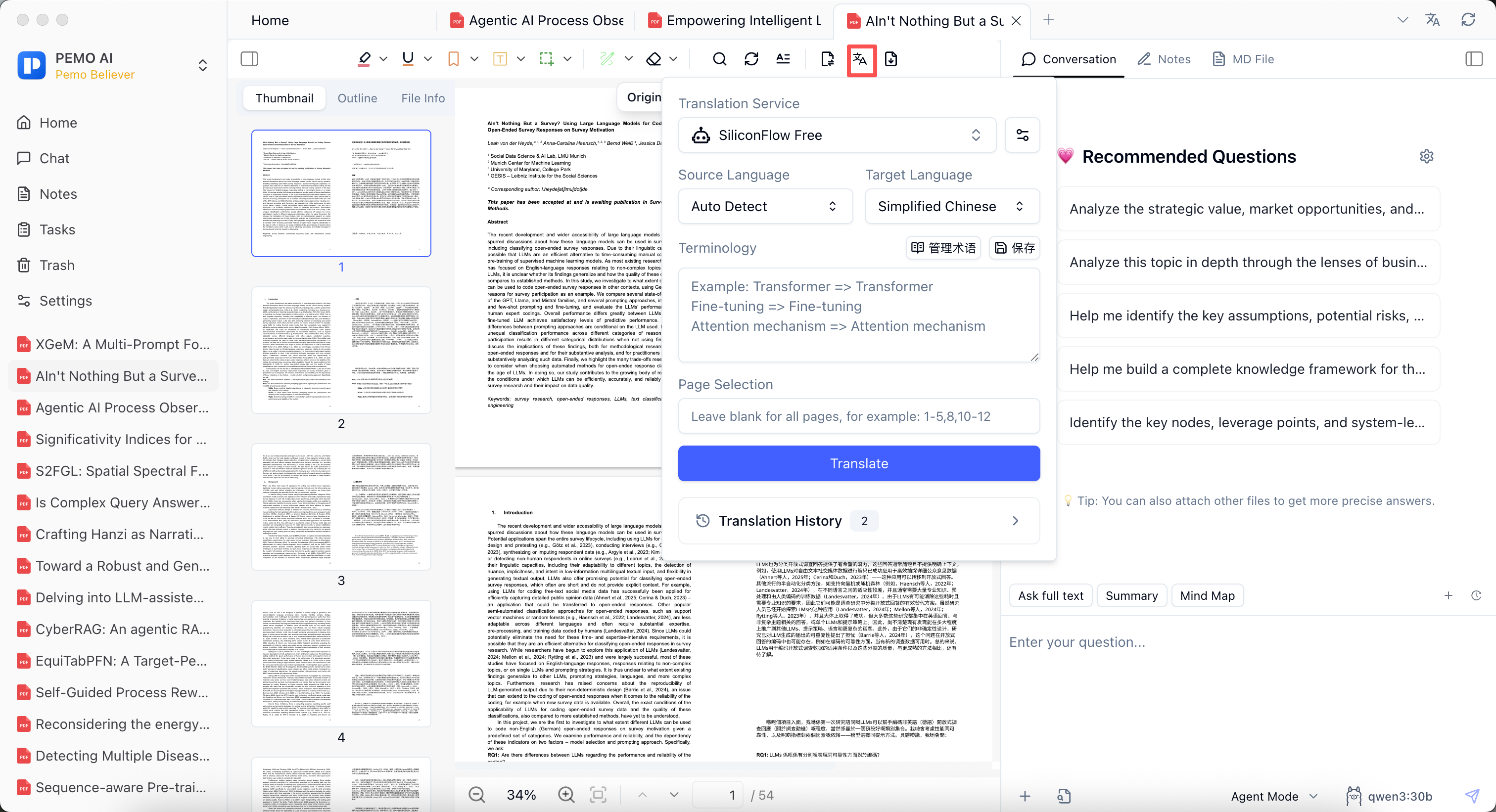
How to use it
Before translating a paper, contract, case, or report, configure service, source language, target language, terminology, and page range.
Keep the original PDF in Pemo instead of copying the whole document into another tool; highlight important passages and add them to notes.
Machine translation reduces reading cost, but critical terms, numbers, and conclusions should be checked against the source.
Good fit for
- English paper translation
- Foreign regulation reading
- Contract clause review
- Industry report reading
Key points
- Choose translation service, source language, and target language
- Support terminology and page-range selection
- Keep source PDF, translation, annotations, and notes in one reading flow