1. Understand what “free model” means
Pemo can connect to multiple model services. If you do not want to self-host models or ask desktop users to download local models, you can start with free or low-cost SiliconFlow models for chat, document Q&A, Embedding retrieval, and Rerank.
In practice, “free model” means the model is marked free or covered by free quota in SiliconFlow’s model marketplace. Availability, rate limits, authentication requirements, and pricing can change, so always confirm the model page before configuring it in Pemo.
Use three model types:
- Chat model: answers questions, summarizes documents, translates, and generates notes.
- Embedding model: turns document chunks into vectors for retrieval.
- Rerank model: reorders retrieved chunks so the most relevant material appears first.
Pemo has built-in SiliconFlow service configuration. Users only need an API Key, then select SiliconFlow in Pemo and choose the model IDs they want to use.
Before configuring Pemo, check the SiliconFlow quickstart, model marketplace, Embedding API docs, and Rerank API docs for current model IDs, pricing, and rate limits.
Useful links:
2. Prepare the API Key and model IDs
- Open the SiliconFlow website or SiliconFlow console and sign in.
- Open API Keys and create an API Key.
- Open the model marketplace and find models marked free.
- Copy the exact model ID.
- Confirm that your account can use the chat, Embedding, and Rerank models you selected.
Recommended starting points:
- Daily chat and summaries: choose a free Qwen, GLM, DeepSeek, or similar chat model, and copy the exact model ID from the marketplace.
- Chinese or bilingual retrieval: try
BAAI/bge-m3,BAAI/bge-large-zh-v1.5, or Qwen Embedding models if they are visible to your account. - Rerank: try
BAAI/bge-reranker-v2-m3or another available Rerank model, especially for long documents.
The API Key is configured locally
Add the API Key in local Pemo service settings so Pemo can connect to SiliconFlow.
3. Add a SiliconFlow chat model in Pemo
- Open Pemo settings.
- Go to AI service management.
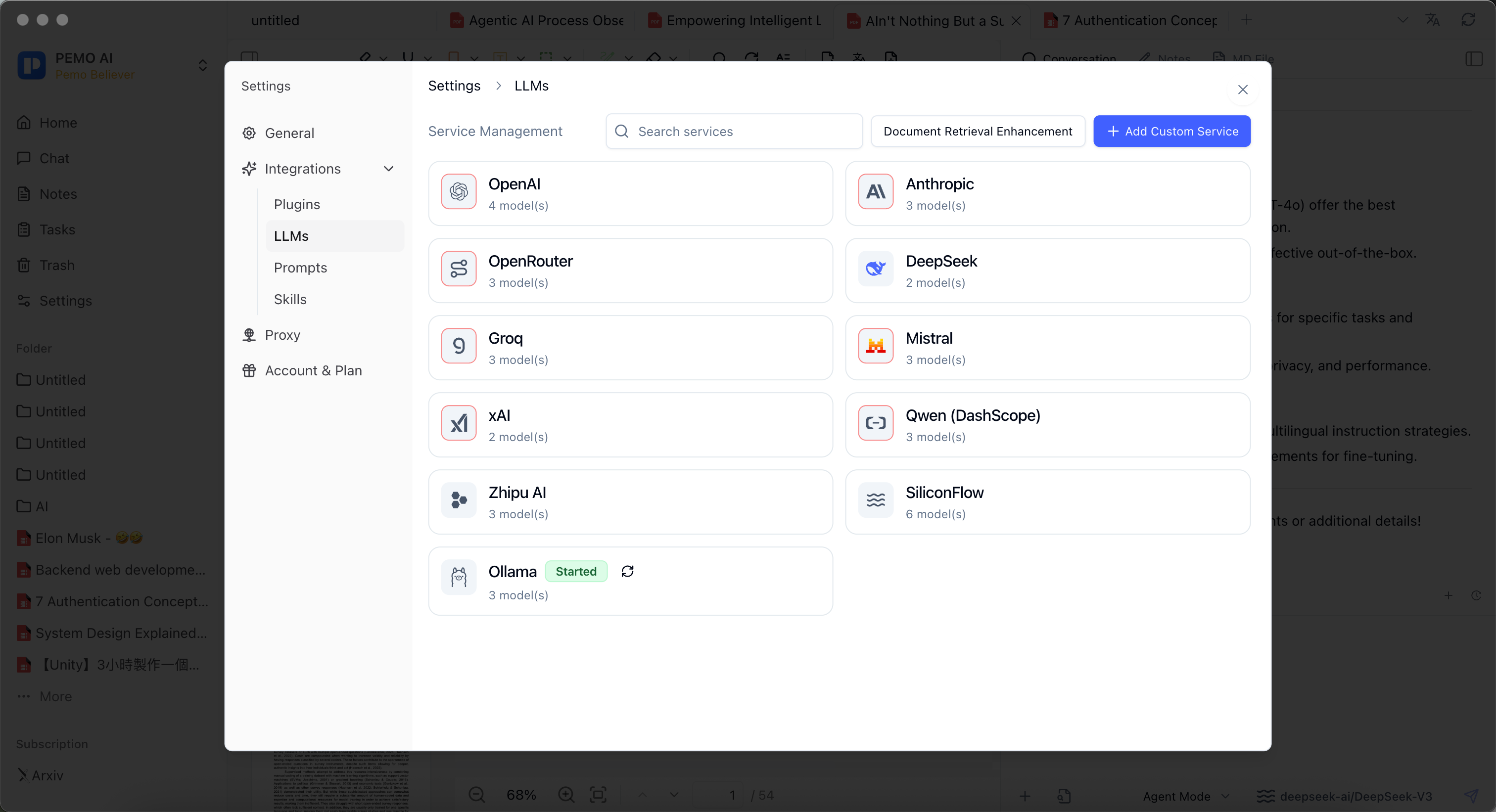
- Add or select SiliconFlow.
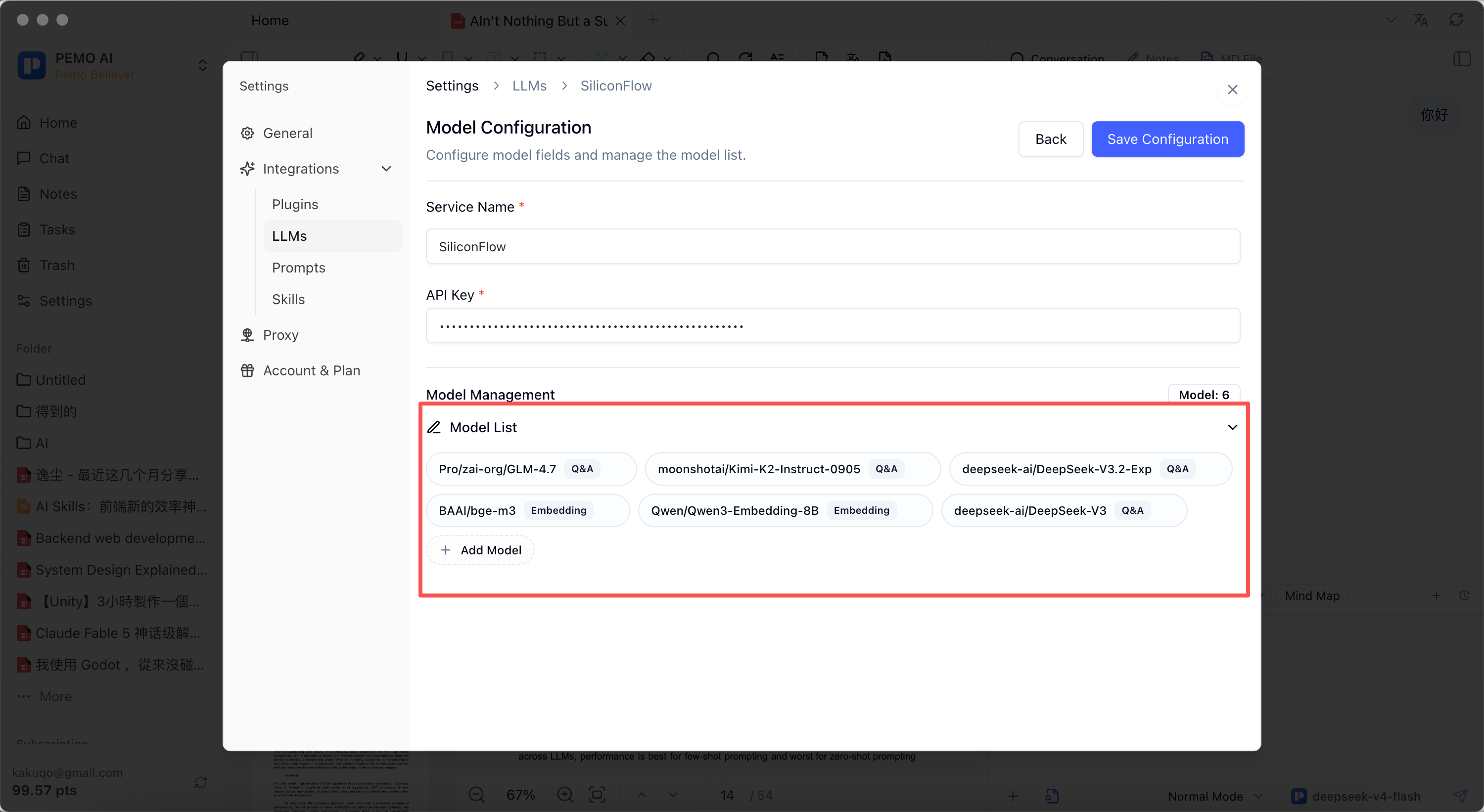
- Paste your API Key.
- In Model List, click Add Model to add the chat, Embedding, or Rerank models you want to use.
- The model name must exactly match the model ID provided by the SiliconFlow marketplace or official docs, including capitalization, organization prefix, slashes, and hyphens, such as
BAAI/bge-m3orQwen/Qwen3-Embedding-8B. - Select a free chat model or paste the exact model ID.
- Save and test with a simple question.
4. Configure Embedding and Rerank
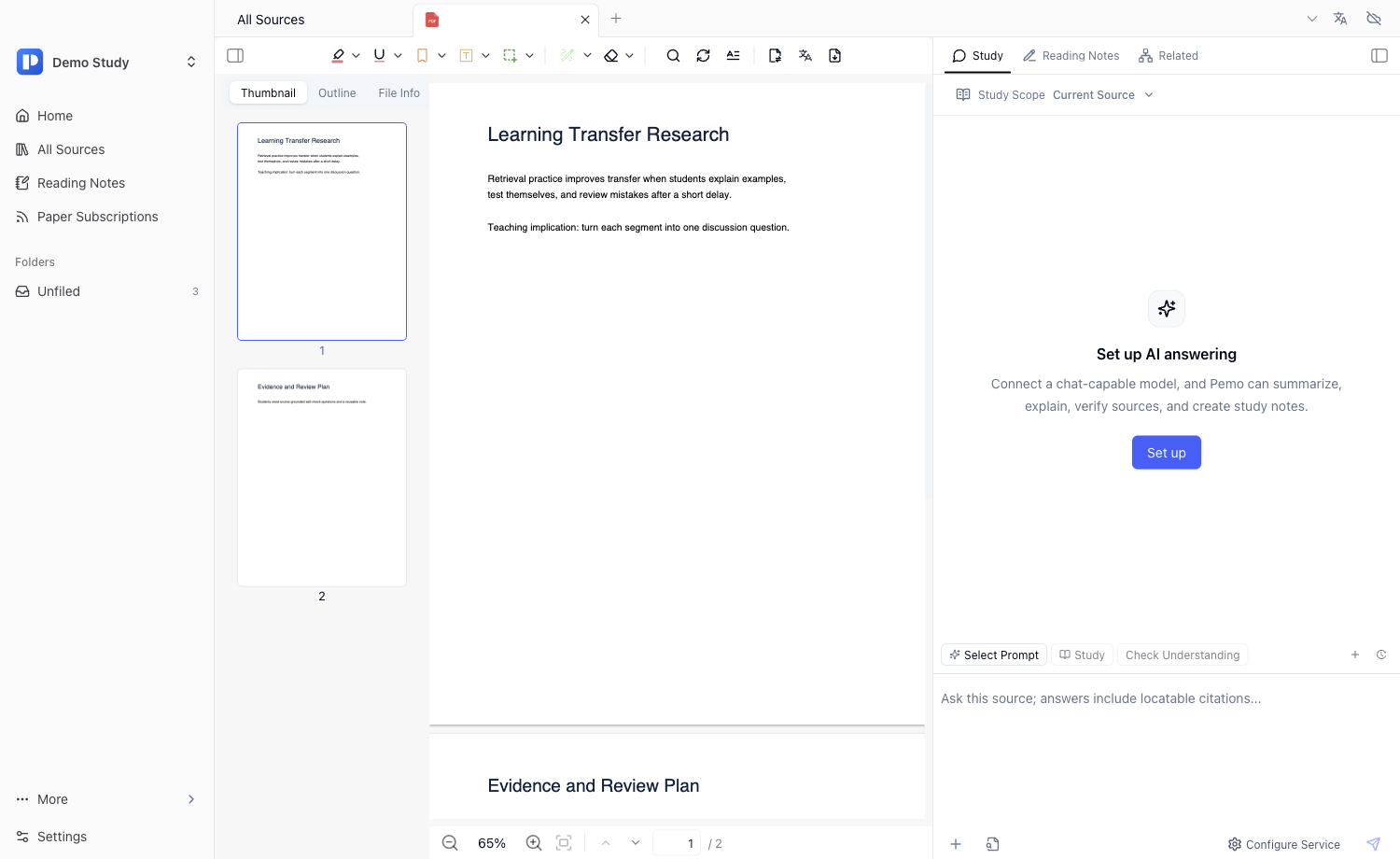
For long PDFs, meeting transcripts, papers, and contracts, a chat model should first receive the most relevant source chunks. Pemo’s Document Retrieval Enhancement can use Embedding retrieval and optional Rerank.
- Open Document Retrieval Enhancement in Pemo settings.
- Choose SiliconFlow for Embedding.
- Fill in an available free Embedding model.
- Enable Rerank if needed.
- Choose SiliconFlow for Rerank.
- Fill in an available Rerank model such as
BAAI/bge-reranker-v2-m3. - Save and test document Q&A with enhanced retrieval.
5. Recommended setups
- Free starter setup: use a free Chinese-capable chat model, a free BGE or Qwen Embedding model, and
BAAI/bge-reranker-v2-m3if available. - Long PDF Q&A: use Qwen, DeepSeek, GLM, or another strong Chinese model, with
BAAI/bge-m3or Qwen Embedding, and enable Rerank. - Lowest cost: start with a small free chat model and a free Embedding model, with Rerank off.
- Best quality: use stronger models where needed and keep Rerank on.
6. Use the model in document Q&A
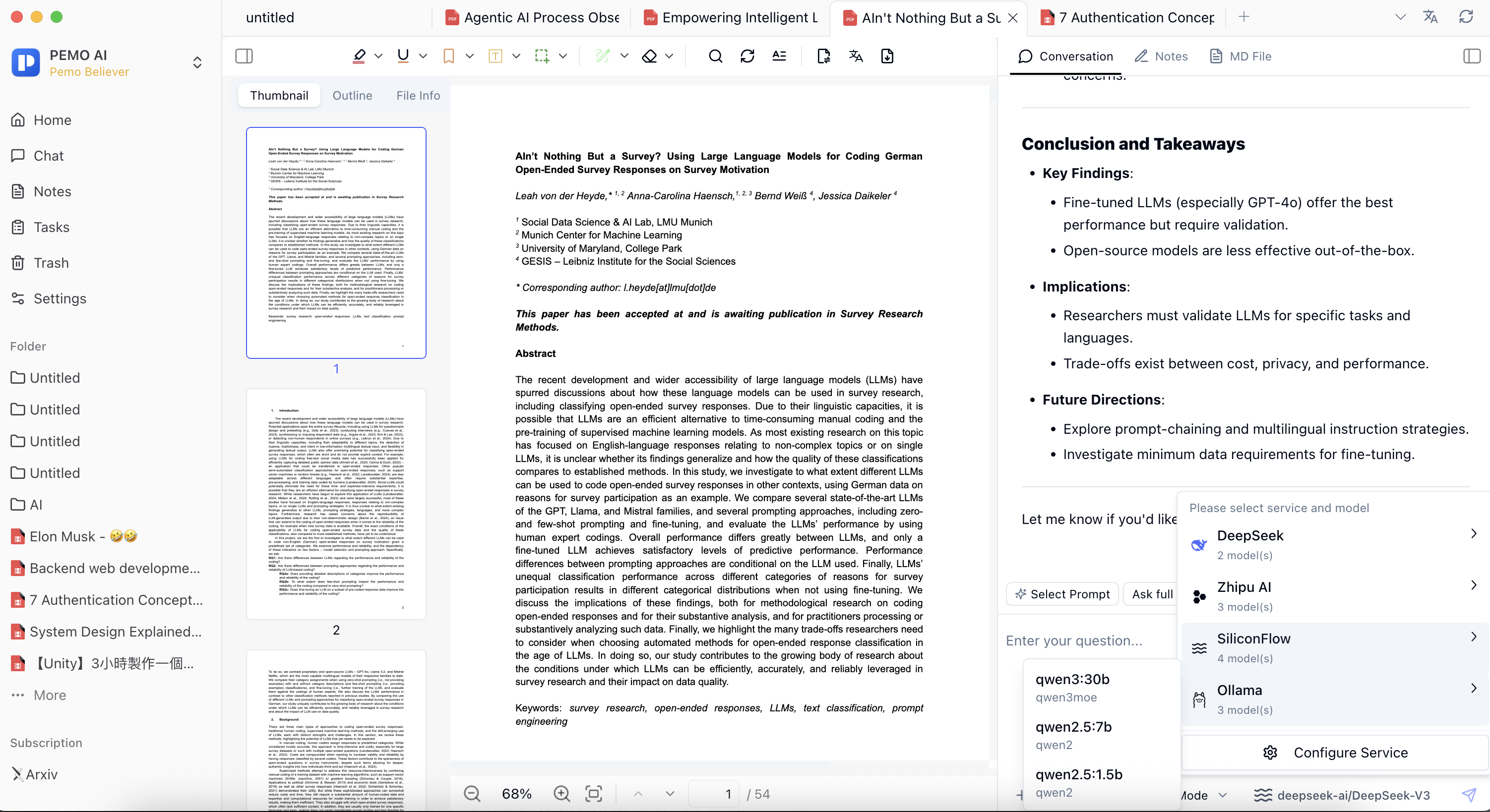
Open a PDF, Markdown file, web page, or transcript, then select the SiliconFlow model in the right-side Q&A panel. For long documents, enable enhanced retrieval before asking questions.
Paper reading
Based only on the current document, summarize the research question, method, data source, main findings, and limitations.
Contract review
Based only on the current contract, list risks in payment, delivery, breach, termination, confidentiality, and dispute resolution clauses.
7. Troubleshooting
The marketplace says the model is free, but Pemo fails to call it.
Check the exact model ID, account authentication, rate limits, quota, and whether the model is still available.
Can I use the same model for chat and Embedding?
Usually no. Chat, Embedding, and Rerank are different model types and should be configured separately.
Can I disable Rerank?
Yes. Start without Rerank for short documents, then enable it for long or similar-looking source material.