How to use it
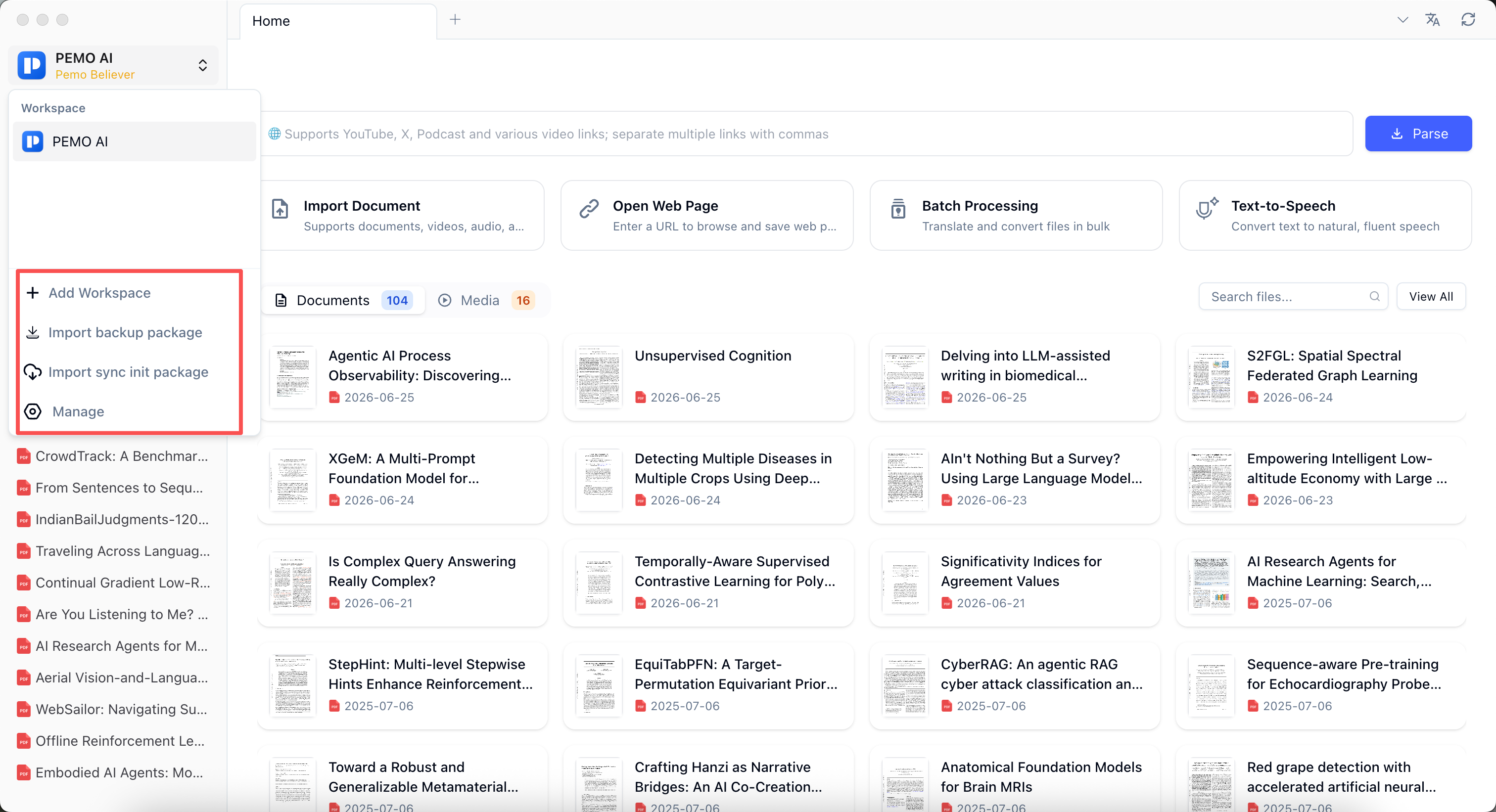
Do not design a complex workspace structure at the beginning. Put papers, web pages, course videos, meeting recordings, and notes into the default workspace first. Common study materials are easier to find because materials, notes, and paper subscriptions each have a clear place.
As the library grows, use folders, tags, file type, and recent reading time to make materials searchable and filterable. For paper subscriptions, browse by research field, topic, and source, then search, filter, mark papers as read or read later, and save useful papers into your own materials.
Create new workspaces when materials need separation by client, course, research topic, or confidentiality level.
Good fit for
- Research library
- Paper subscription tracking
- Course reading pack
- Client material separation
- Long-term file library
Key points
- Import PDFs, Word files, web pages, images, audio, and video
- Open View All for table browsing
- Filter by folder, tag, file type, and recent reading time
- Browse subscribed papers by research field, topic, and source