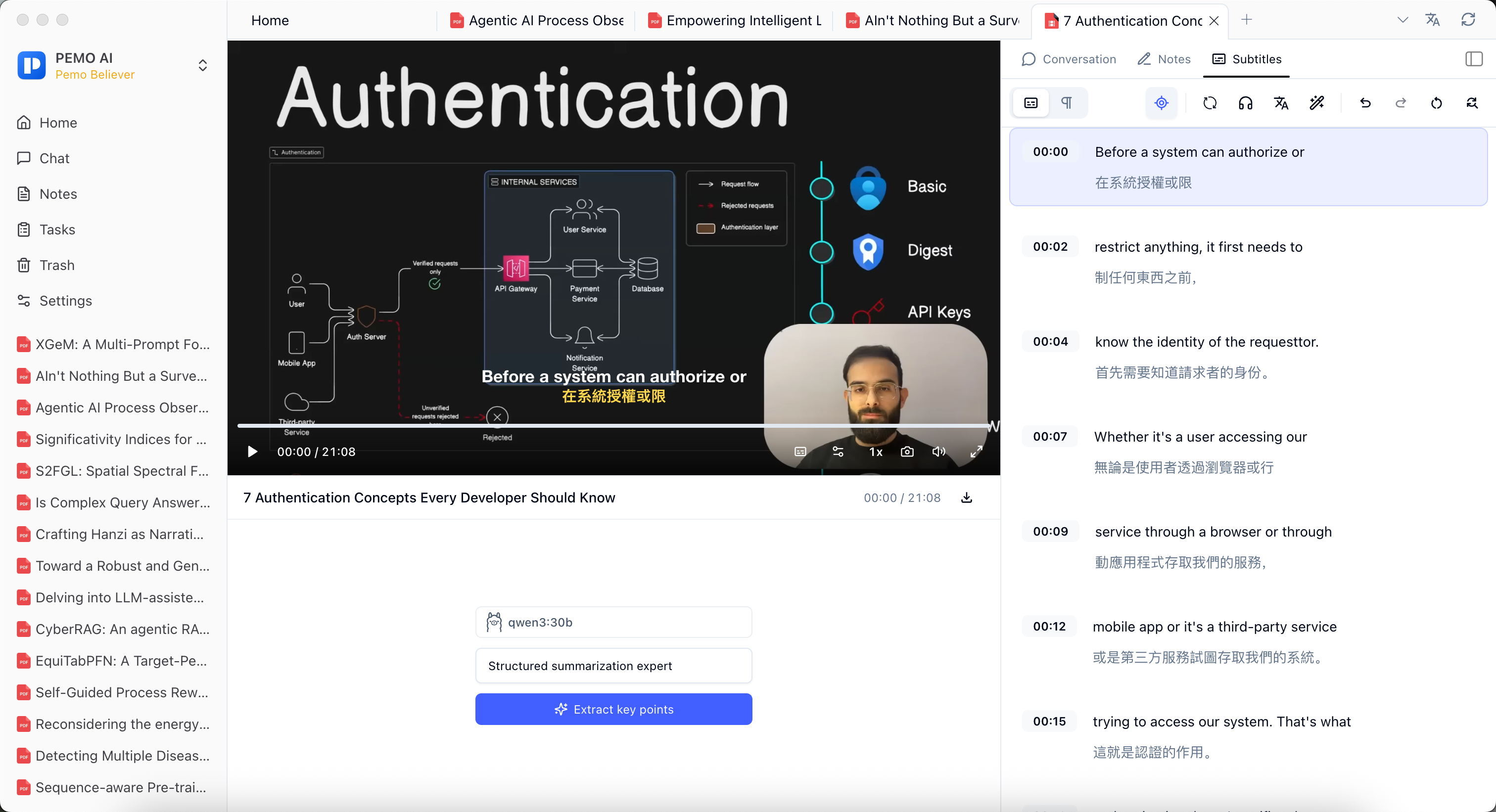
How to use it
Import podcasts, course videos, meeting recordings, interviews, or training videos into Pemo, then transcribe them into timestamped text. The transcript can be searched, translated, reviewed, and used as the current source scope for Q&A.
For podcasts and long videos, treat one episode or one video as the working source. Confirm the current source scope, then choose a skill or prompt to create summaries, study notes, review questions, meeting minutes, or discussion material.
Transcripts need manual review, especially for names, terms, numbers, dates, sentence breaks, and speaker attribution.
Good fit for
- Podcast study notes
- Meeting material organization
- Class and course video review
- Interview analysis
- Training video organization
Key points
- Batch transcribe media files
- Turn podcasts and videos into searchable text
- Ask questions and generate notes from the current transcript
- Translate, edit, and review subtitles on the timeline