- Import podcasts, course videos, meeting recordings, and interviews into the same source library instead of scattering media across tools.
- Turn speech into timestamped subtitles or transcript text, then search, translate, ask, and organize the material.
- Run skills over the current transcript to create notes, summaries, review questions, meeting minutes, or discussion material.
- After transcripts and subtitles are reviewed, save them as notes, minutes, review material, or writing references.
1. Put podcasts, videos, and recordings into the library
Podcasts, course videos, meeting recordings, interviews, and training videos often contain material worth keeping. If they stay only in a player or cloud folder, they are hard to search, organize, and reuse. In Pemo, the media workflow starts in the source library: keep audio, video, PDFs, web pages, and handouts together before transcription, translation, Q&A, and notes.
- Import podcast audio, video files, meeting recordings, class recordings, or interviews.
- Organize them by course, topic, project, client, or content series.
- Use tags such as To Transcribe, Needs Notes, Subtitle Review, Review, Voiceover, and Archived.
- Add related PDFs, pages, slides, or images when they belong to the same topic.
2. Transcribe media into searchable, editable text
After media enters Pemo, turn speech into timestamped subtitles or transcript text. The transcript can be searched, copied, translated, questioned, and used as input for notes or skills.
Transcription is not the final answer. Review names, terms, numbers, dates, sentence breaks, and speaker attribution before using the result for meeting notes, class notes, or subtitle translation.
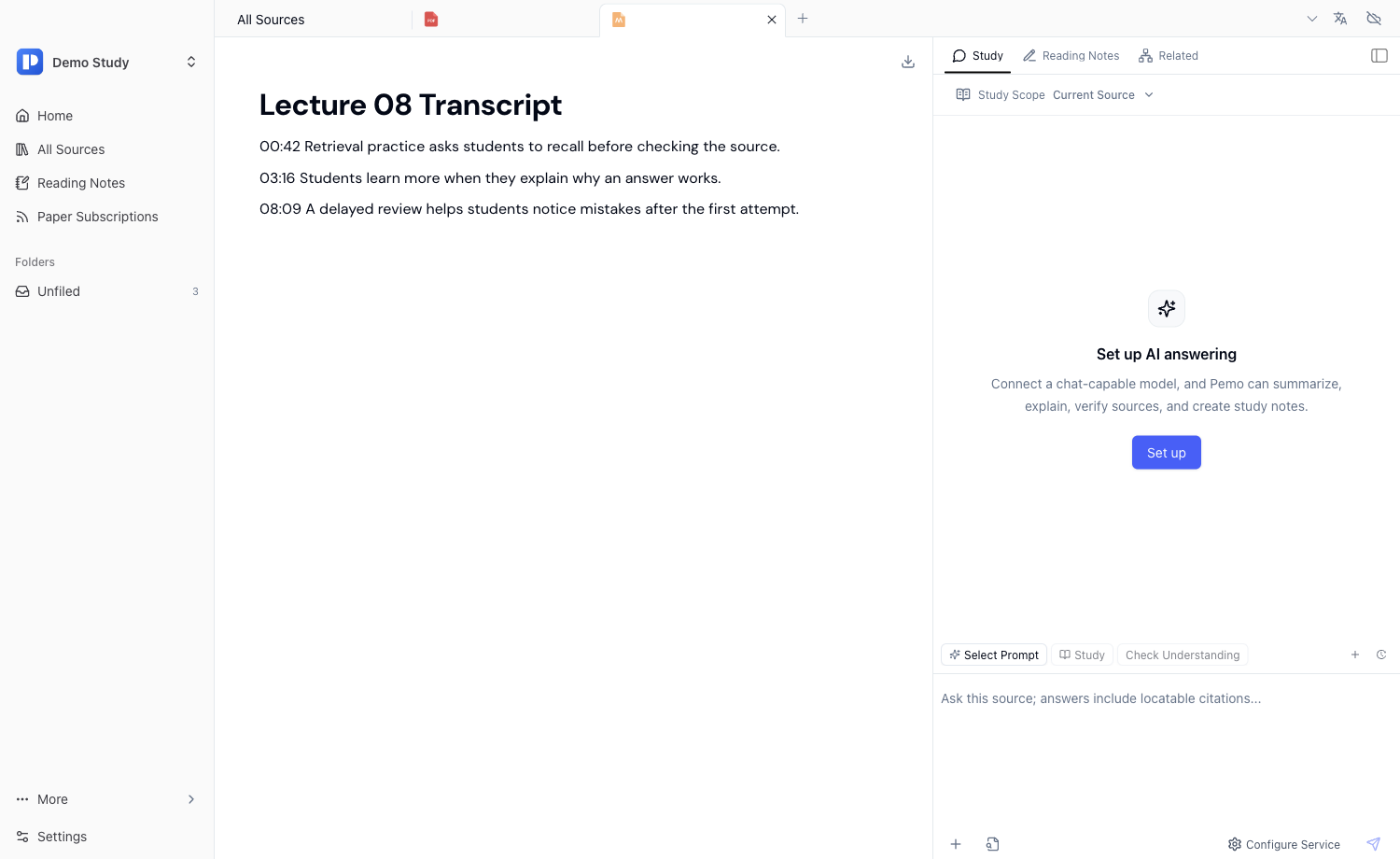
Review the transcript
- Check names, organizations, terms, numbers, timestamps, and key claims.
- For interviews and meetings, confirm who said what before extracting decisions or quotes.
- Before publishing subtitles or notes, listen back to important segments.
3. Edit subtitles, translate subtitles, and set style
Transcription is only the first step. For review, sharing, or publishing, subtitles need correction, translation, and styling. Course videos and tutorials need readability; bilingual videos need term consistency; public videos need timing and placement checks.
- Subtitle text: fix missing words, sentence breaks, names, and terms.
- Translation: preserve key terminology, names, brands, and course concepts.
- Style: set font, size, color, stroke, and placement for the viewing context.
- Playback review: check timing, pauses, and whether subtitles block important visuals.
4. Generate notes and structured outputs from transcripts
Once the transcript is stable, handle it like a document. Pemo can help create summaries, key points, study notes, meeting minutes, action items, review questions, discussion prompts, and draft handouts from the current transcript.
The key value is not audio-to-text alone. Media becomes part of the same workflow: ask questions, choose skills, save notes, and keep related PDFs or pages in the same library.
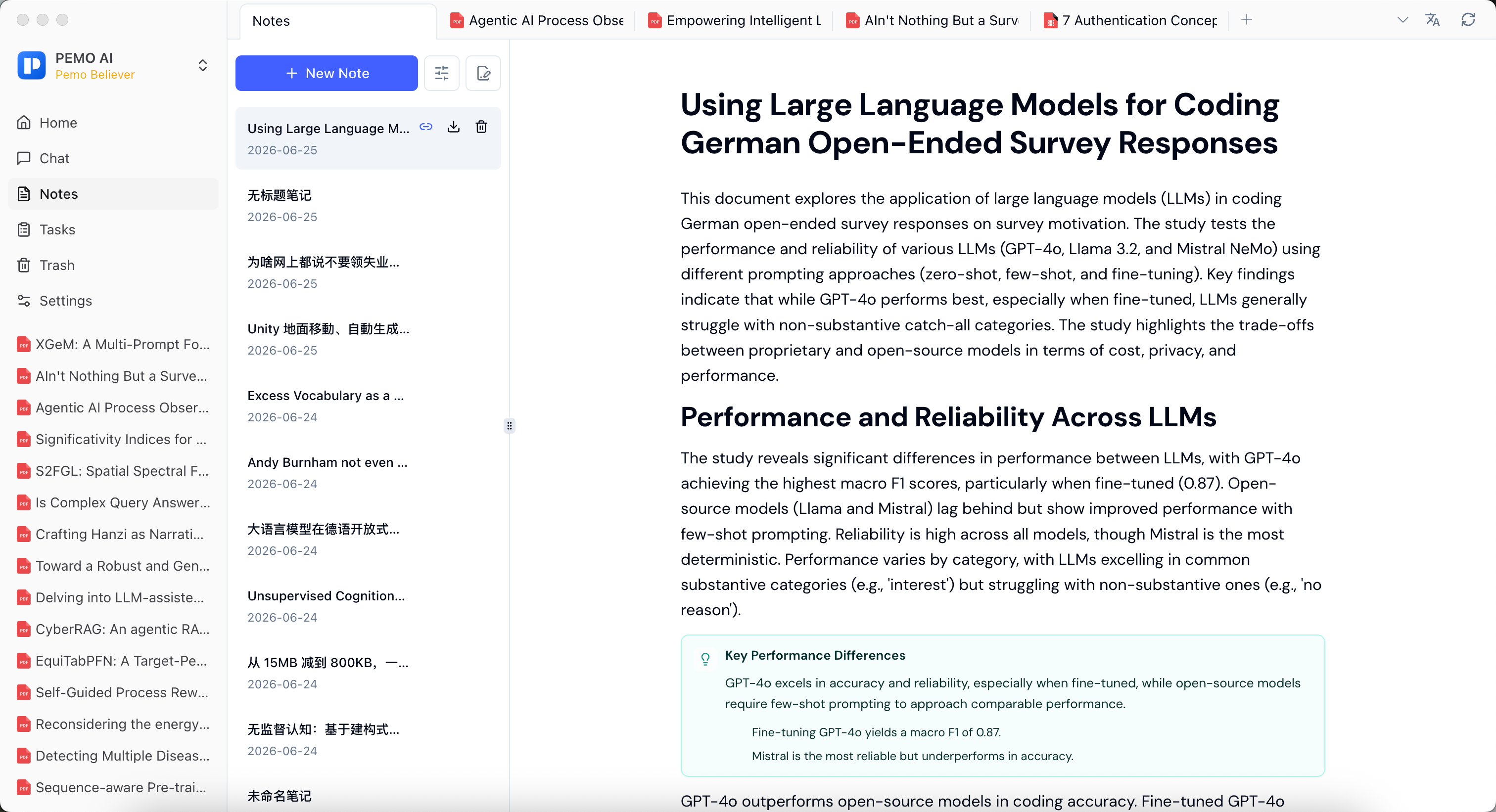
Podcast notes prompt
Based only on the current podcast transcript, create topic overview, key ideas, important examples, segments worth replaying, follow-up questions, and five self-check questions. Do not add information outside the transcript.
Meeting notes prompt
Based only on the current meeting transcript, create meeting topic, main issues, confirmed decisions, action items, owners, deadlines, risks, and questions requiring follow-up.