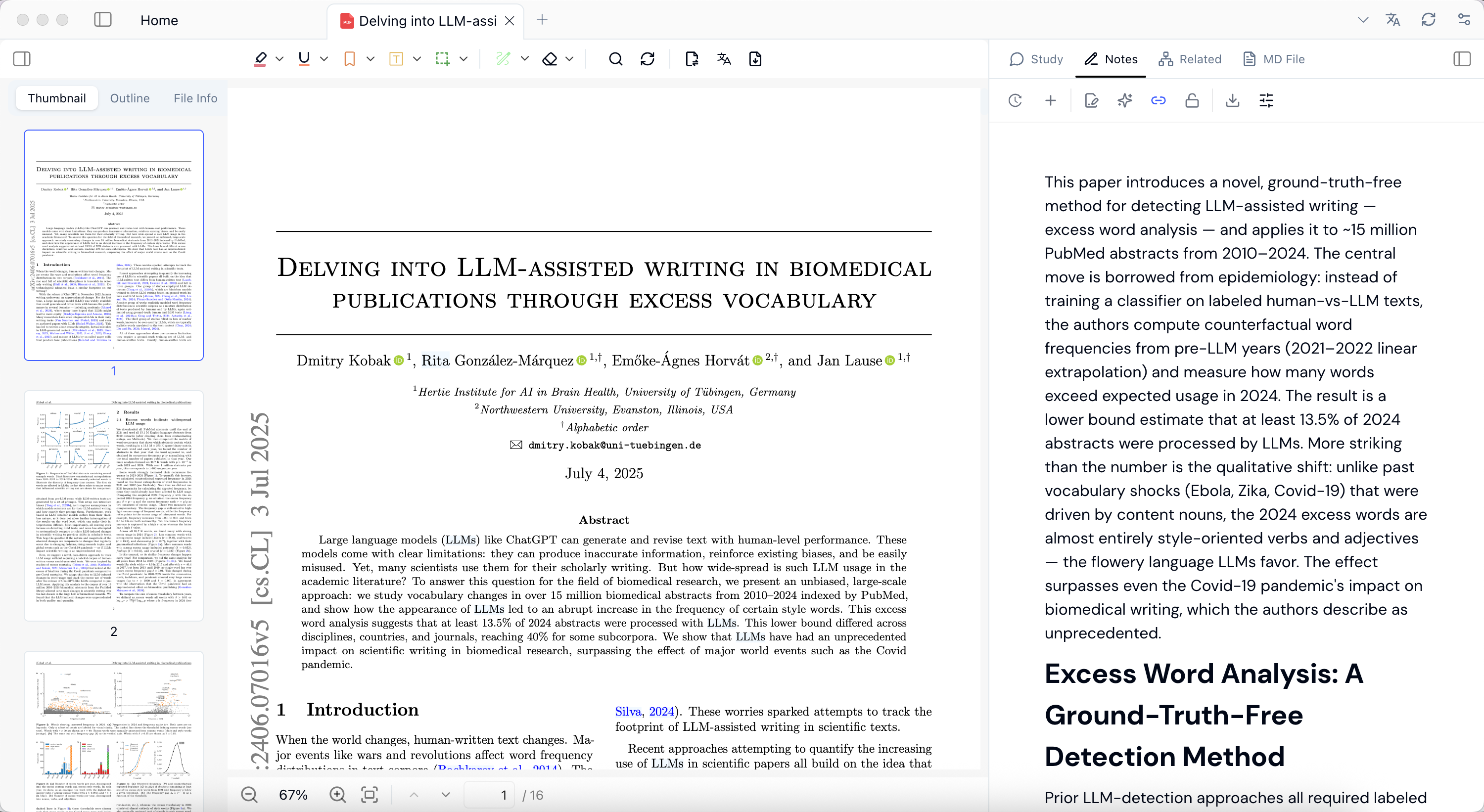
- Put related material into one workspace first, then organize by course, project, topic, or source type.
- Reading, translation, transcription, Q&A, and skill output can all become notes.
- Notes are useful for explanations, summaries, review questions, meeting minutes, discussion material, and next actions.
- Library plus notes makes Pemo better suited for long-running source work than one-off chat.
1. Put sources into a manageable workspace
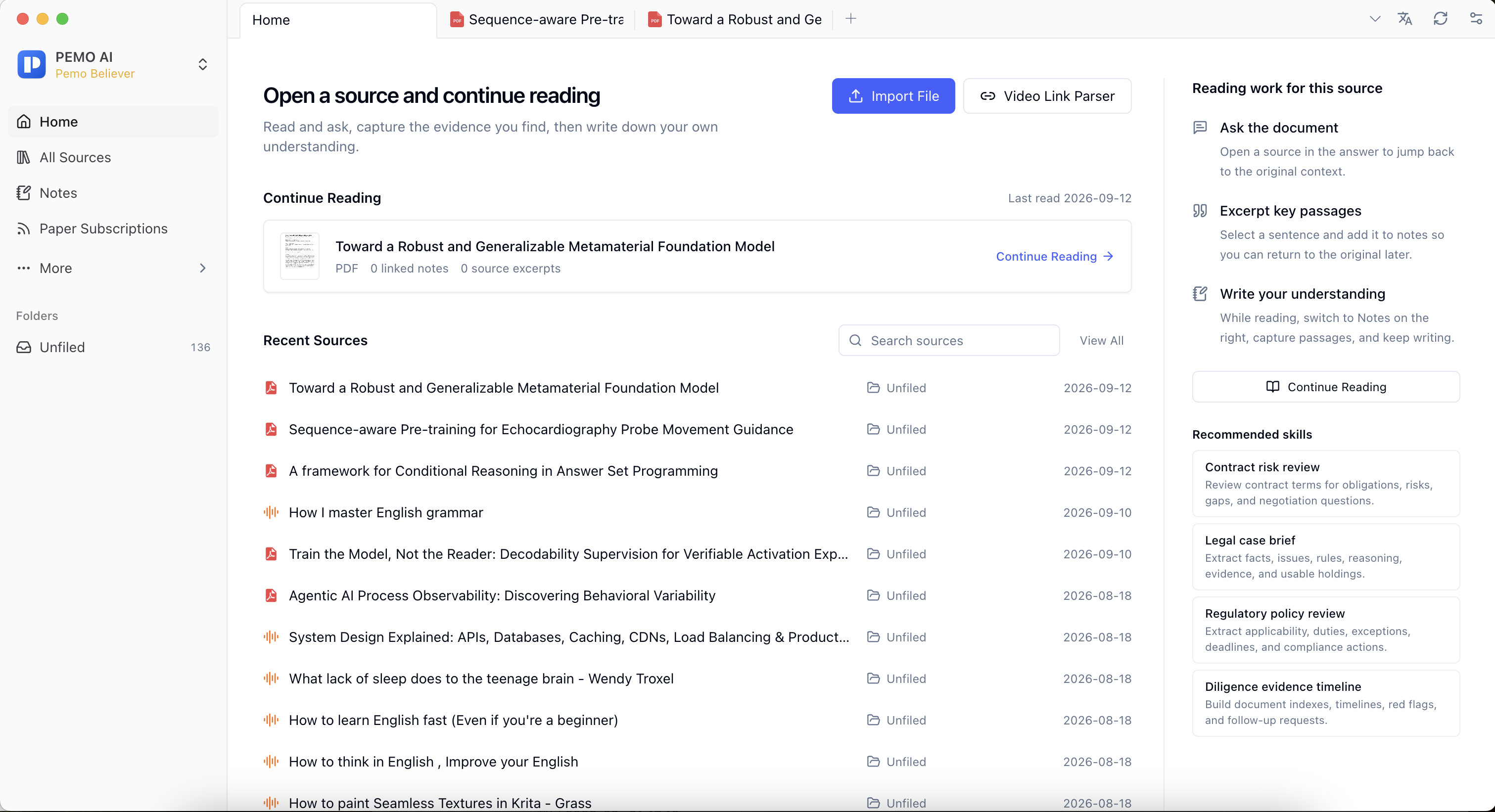
Pemo's library is not only file storage. It connects documents, web pages, ebooks, media, transcripts, and notes into one workflow. Start with the default workspace; create separate workspaces later when materials need to be split by course, project, client, or sensitivity level.
2. Keep reading, transcription, and Q&A in one flow
After sources enter Pemo, continue with reading, translation, annotation, transcription, Q&A, and skills. PDFs, web pages, podcast transcripts, and class videos can stay organized around the same topic instead of becoming disconnected materials.
Common organization patterns:
- Create folders by topic or project.
- Use tags such as To Read, To Transcribe, Needs Review, Citable, and Processed.
- Keep documents, pages, media, and notes for the same topic together.
- Keep manual review for important output.
3. Save output as editable notes
Q&A results, summaries, review questions, meeting minutes, and skill output lose context quickly if they stay only in chat. Pemo Notes is for saving useful material so it can be edited, organized, and reused.